 Photide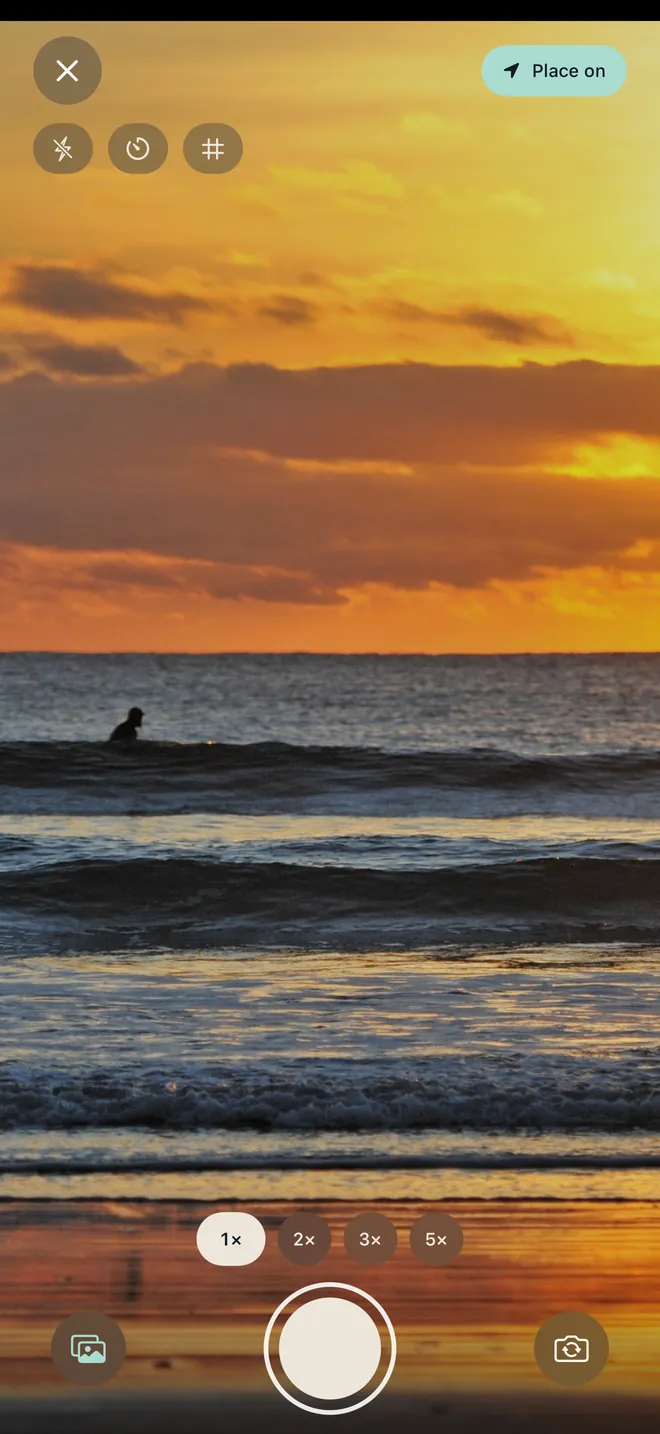
01 / KEEP ITSee something.
See something.
Save the feeling.
One press captures a photo and keeps it on its day. No journal entry to write. No album to organise.
A little life. A lasting memory.
The coffee. The long way home. That light at 5:42. Turn the photos you take into a diary you’ll love coming back to.
Made for your memories. No account needed on iPhone.


Less organising.
More remembering.
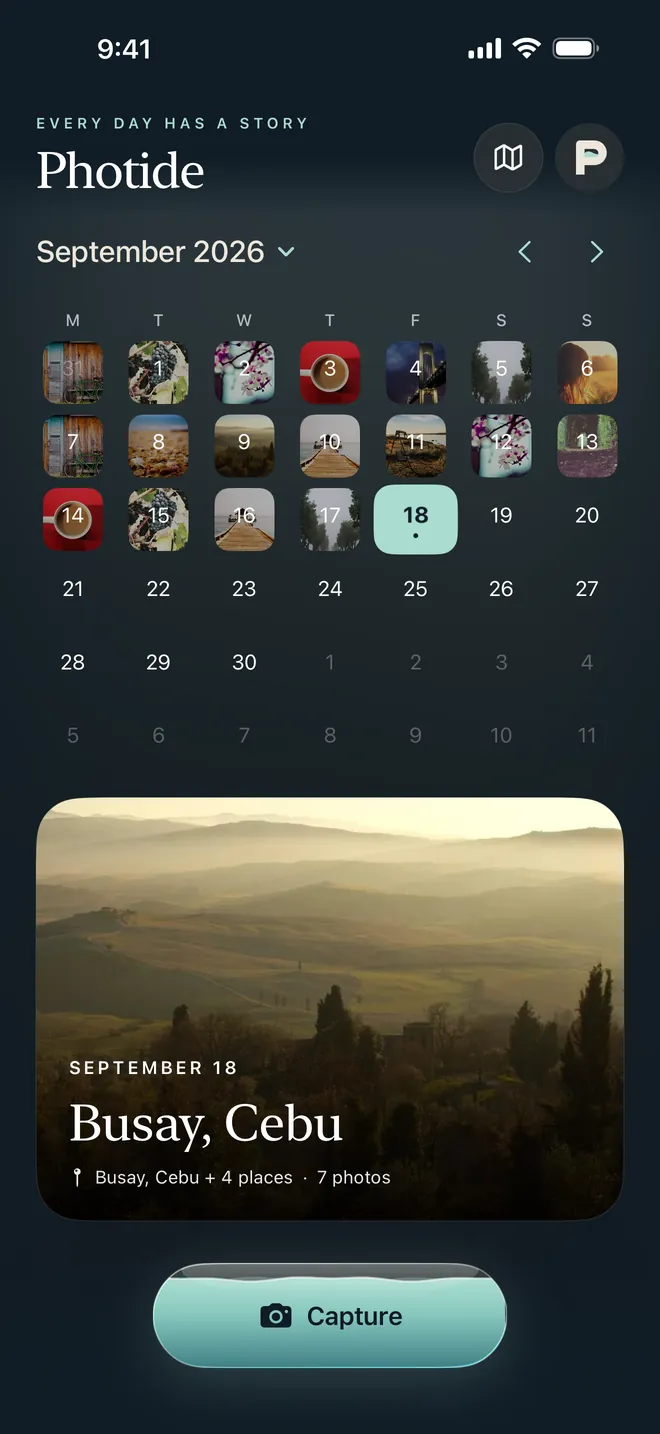
Most of life happens between the milestones. Photide gives those little moments a home, arranged by the day and hour they happened.
One press captures a photo and keeps it on its day. No journal entry to write. No album to organise.
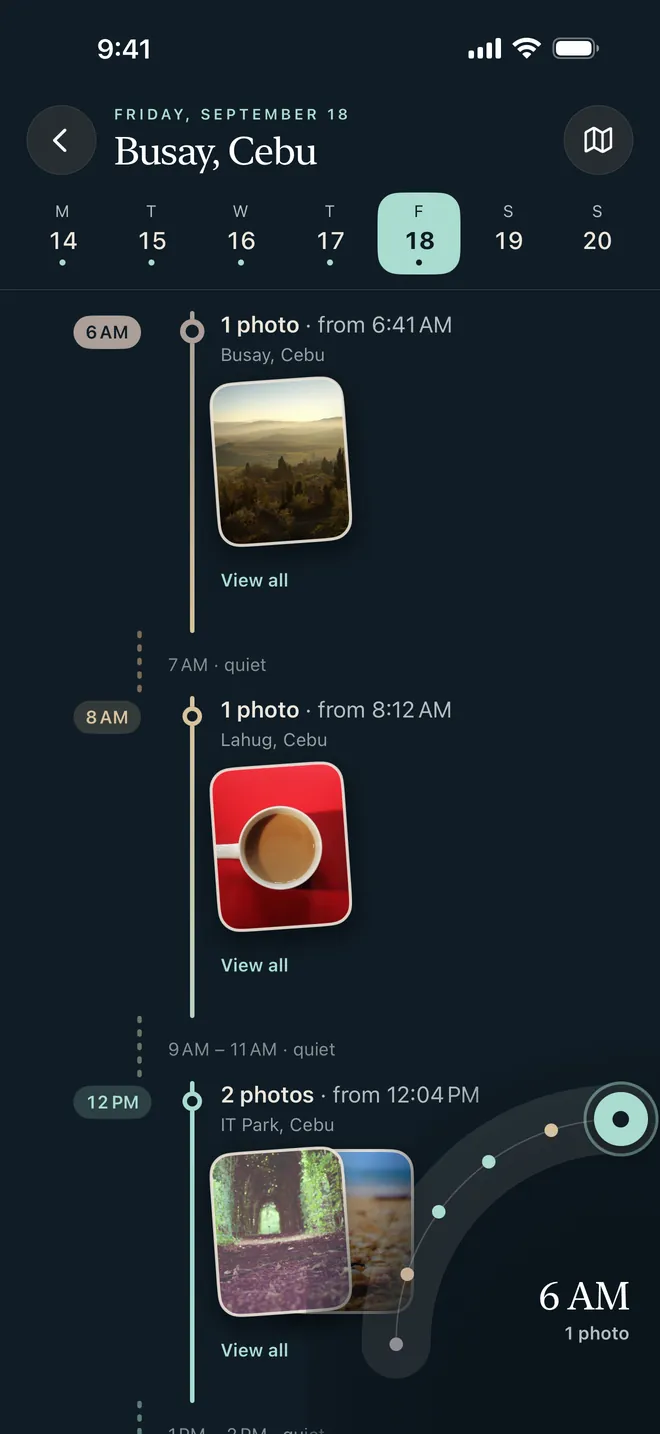
Pick a date. Explore its hours. Find the photo that takes you right back to how it felt.
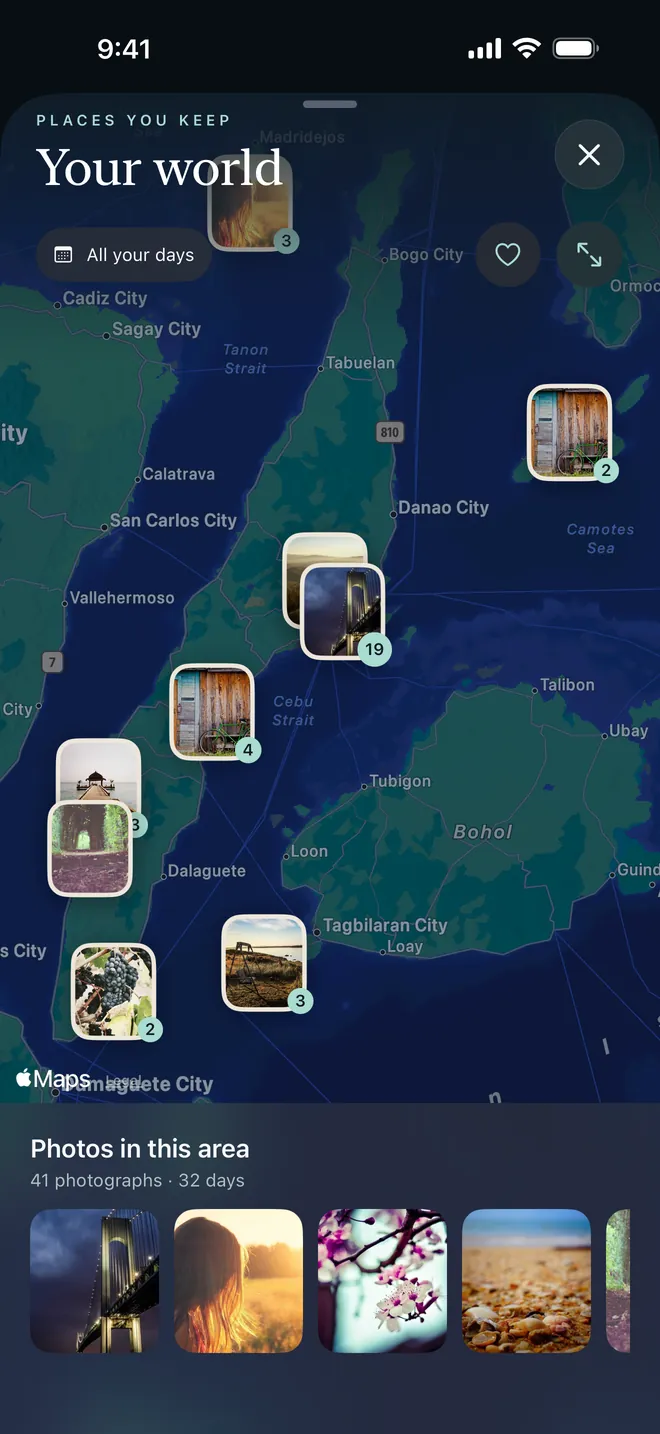
With location enabled, your moments gather on a map. Familiar corners become places to revisit.
A glimpse of Photide on iPhone. Screens and photographs show an illustrative diary.
 Your photos.
Start with the life you’ve already lived
Let Photide show the Apple Photos you choose, right on the dates they were taken. Your originals stay in Apple Photos, with only small previews cached for browsing.
A small reminder of a good day
The Photide widget brings your day into view. Step through your moments, or tap to capture the next one.
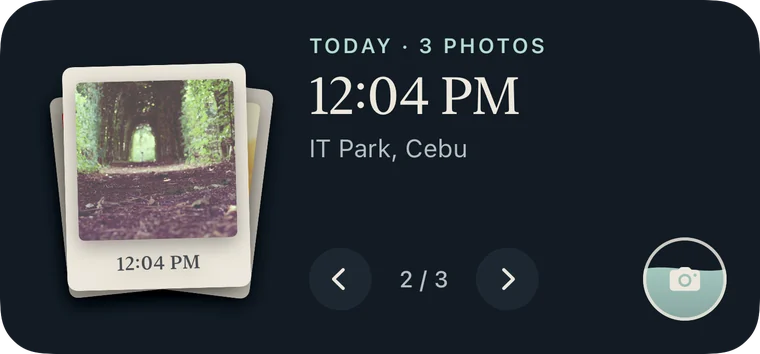 For the moments between unlocking and getting on with life.
Coming soon on Android
Be part of Photide’s first Android chapter. Join the early-access list, try it when testing opens, and help make the everyday experience better.
Join early accessOpens Google Forms · Email + Android version
Testing updates only. You can withdraw at any time.
Your Google Play email and Android version help us invite you to the right test.
Once invited, join the test and stay opted in for 14 consecutive days. Try Photide as part of your day.
Share what works and what could be better in our Facebook community. Email feedback is welcome too.
Signup is an invitation request. It doesn’t enroll you in Google Play testing or start the 14-day period.
A few things you might wonder
Yes, Photide is available for iPhone on the App Store. Android is coming soon. Join the early-access list to hear when testing opens; there’s no Android release date to promise yet.
Showing Apple Photos is optional. Photide stores references and a limited preview cache, while originals remain in Apple Photos. Photos taken inside Photide are saved in the app. If a referenced photo is deleted or access changes, it may become unavailable.
No account is needed to use Photide on iPhone. Google Drive backup is optional. Choose Apple Photos images to back up, or enable automatic backup for photos taken in Photide. Your photos go directly to your own Google Drive; Photide can access only files it creates.
The form asks for your email, Android version and explicit consent to receive testing updates. If invited, we ask you to remain opted in to the test for 14 consecutive days, try the app and share feedback. You can leave or withdraw your signup at any time by emailing charlesleyb24@gmail.com.
Your signup responses are kept private. Posting feedback in the Facebook community is separate and follows the group’s visibility settings, so avoid sharing private photos or personal details there. Read the early-access privacy details.
Life moves. Keep a little of it.